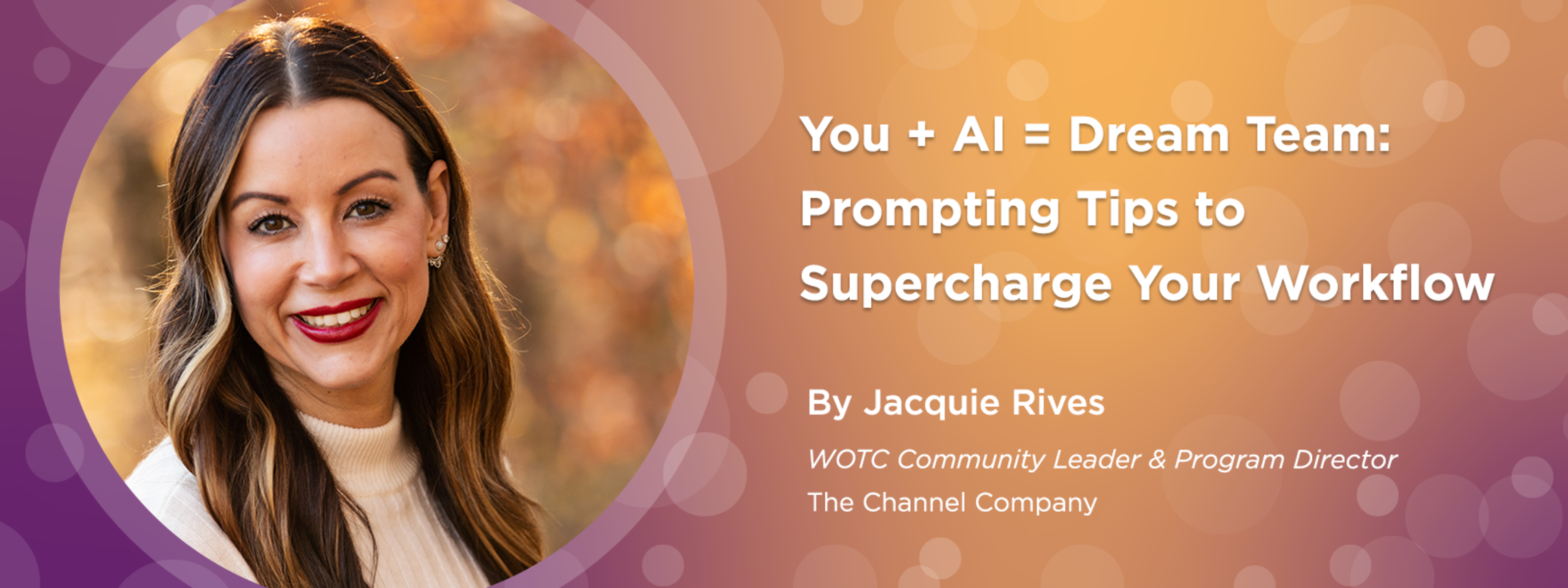
You + AI = Dream Team - Prompting Tips to Supercharge Your Workflow

Published on May 23, 2025

By Jacquie Rives, WOTC Community Leader and Program Director, The Channel Company 

 
Let’s be real: AI is only as good as the way we talk to it. Whether you’re writing blog posts, brainstorming keynotes, or crafting event emails, learning how to prompt effectively can take your results from meh to mind-blowing.  

In this blog, I’m sharing some of my favorite AI prompting strategies and persona-building tips that help me get the most out of working with tools like ChatGPT — and how you can too. 💡 

The Power of Prompting
🔹Start with Clarity, Not Perfection 
 
The Power of Prompting
🔹You don’t need a perfect prompt — you just need a clear one.  

Instead of: 
🔹“Write something for a conference.” 
 
Try: 
 🔹“Write a 150-word abstract for a women’s leadership conference session about mentorship and sponsorship, using an empowering and conversational tone.” 

Include details like: 
  • Tone (casual, bold, polished, etc.)
  • Audience (women in tech, first-time leaders, etc.)
  • Format (email, blog, LinkedIn post)
  • Word count or structure preferences 
Give Examples Whenever You Can 
🔹AI learns fast from your style. “Can you write an engaging abstract on the topic of Mentorship for an event for women in the channel?” 
 
 💁‍♀️ Partnering with a Persona 
Here’s where the magic really happens. When you give your AI assistant a “persona” — a set of instructions about who they are and how they should help — your conversations become smoother, smarter, and way more productive. 
 
What’s a Persona? 
It’s like a job description + personality profile for your AI buddy. 

Example:
“You are Blog GPT, my creative content partner. You help me write compelling blog posts, titles, and abstracts. You understand SEO, audience engagement, and use a warm, witty tone.” 
Why it works: Now your AI knows how to show up for you. It remembers your goals, your style, and how to add value without extra back-and-forth. 
 
💡Practical Tips for Prompting Like a Pro
Here are my go-to tips that make Gia (AI) work with me, not just for me: 
 
✅ 1. Ask for Options First 
Instead of saying “write this,” say: 
“Can you give me 3 title options in a bold, empowering tone?” 
It gives you choices and helps refine your direction. 
 
✅ 2. Use Iteration to Your Advantage 
Don’t be afraid to say: 
Let’s tweak the tone to be more playful” 
“Can you add 2 more bullets with practical examples?” 
AI loves a good edit round — and gets better the more you collaborate. 
 
✅ 3. Treat AI Like a Creative Partner 
Say please and thank you (you don’t have to — but it’s fun!) and treat it like a brainstorming buddy. The mindset shift makes the process feel more like teamwork and less like a transaction.  
 
✅ 4. Give It a Role 
Try prompts like: 
“Act as a conference content strategist…” 
“Be my email marketing assistant…” 
“You're my trusted keynote coach — help me punch up this closing.” 
This brings instant focus and context to the response. 
 
✅ 5. Save Great Prompts! 
When you find a prompt that works, save it! Create a note or document with your best-performing prompts for: 
  • Event abstracts
  • Speaker bios
  • Email subject lines
  • Blog post outlines
  • Social captions 
You’ll build your own mini AI playbook! 
 
✨ Final Thoughts 
Like any great partnership, success with AI comes from communication, collaboration, and curiosity. The more you experiment with prompts and shape your AI’s persona, the more value it brings to your workflow — and the more fun you’ll have along the way.  
And hey, this blog was crafted with a little help from my favorite AI creative partner, ✨Gia! (Yes, I gave my special teammate a name. 😉)  


Bio: A little about me: I have been a COO, an entrepreneur, a photographer, and served in the US Army for six years both stateside and overseas. I enjoy writing, traveling, photography, hiking, and skiing during my free time. Most importantly, I am a proud mother of two amazing daughters and currently reside in Georgia with my husband, Tony.